Project 12 Code Checker
Before you reshuffle your night around a "new code" from chat — run it through this five-step verification.
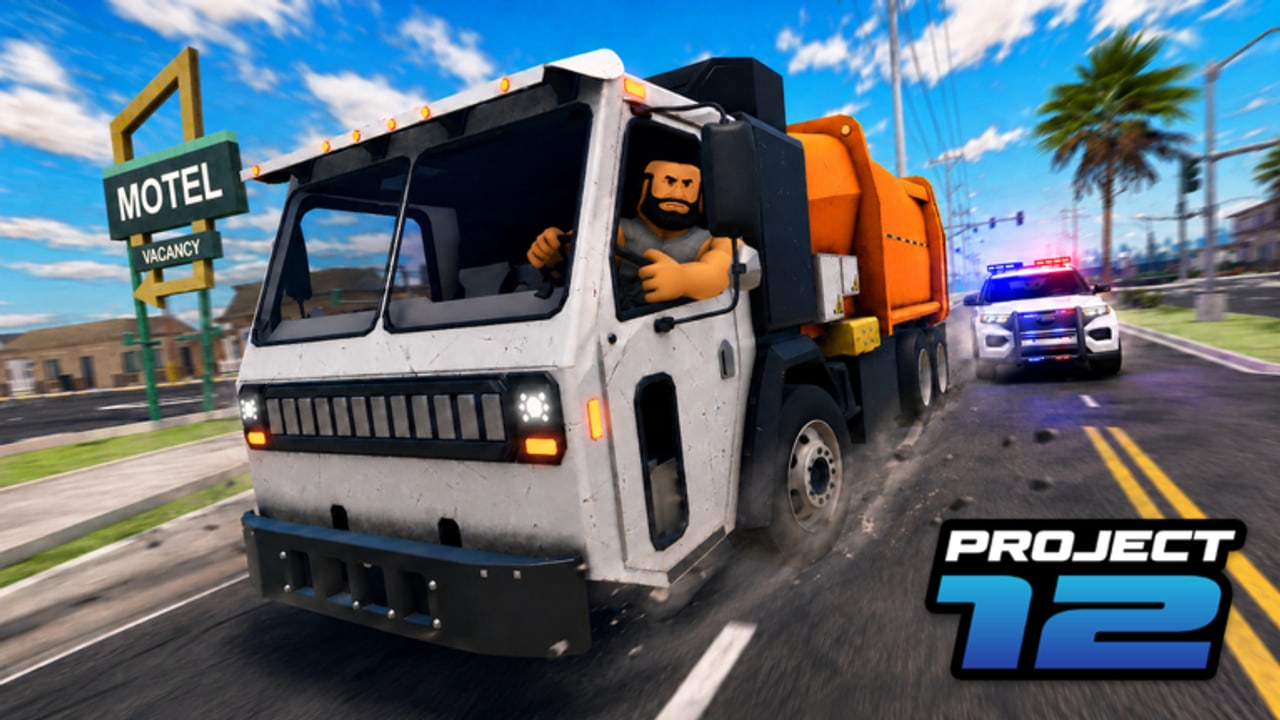
Project 12 has no verified promo codes as of the Aug 2026 full-site audit. When someone drops a code in chat, the default posture is: do not trust it. This page is a verification workflow, not a code database. It teaches you how to check claims yourself so you stop reshuffling your evening around fabrications.
When to use this workflow
Use the Code Checker when:
- A stranger or “code collector” site posts a “new code” in Discord, YouTube, or in-game chat
- A friend shares a code they “saw somewhere”
- A video description links to a code that is not on the Codes Hub list
- Any site guarantees a code works without showing a source or timestamp
The five-step verification routine
Step 1 — Note the claimed code and source
Write down exactly what the code claims to be and where you saw it. If the source is a third-party site with no date, no developer attribution, and no Roblox group link, that is a red flag before you even test anything. Screenshot the claim.
Step 2 — Check the Codes Hub
Open the Codes Hub and cross-reference. If the code is already listed as active or expired, you have your answer. If it is not listed, proceed to step 3.
Step 3 — Check the official Roblox group and place page
Open the official Project 12 place and the CinnamonSoftware group. Codes are sometimes posted in the group wall or the place description. If you find a match with a date from 2026, it passes this step.
Step 4 — Attempt redemption in-game
If steps 1–3 gave no clear verdict, launch Project 12 and attempt redemption:
- Press / to open chat or navigate to the in-game code redemption UI
- Enter the exact code string
- Observe the response: confirmed, invalid, or expired
If the response is “invalid” or “expired,” the claim is false. If it is “confirmed,” still treat it as unverified until it appears on the Codes Hub — it may be a one-time or limited-use code.
Step 5 — Report to the wiki
If a code confirmed in Step 4 is not on the Codes Hub, use the report link or edit the Codes Hub page to add it. Include the exact code string, the date confirmed, and the source that led you to test it.
What a real code looks like
Roblox promo codes follow specific patterns. They are typically:
- 8–16 characters, uppercase letters and numbers
- No special characters or spaces
- Distributed through official channels: Roblox code page, the game’s group, or verified social media
Codes that come from random Discord DMs, anonymous YouTube comments, or sites with “click to reveal” overlays are almost always fake.
Common code scam patterns
| Pattern | Red flag | Action |
|---|---|---|
| ”Exclusive code — click to reveal” | No public verification | Do not click; ignore |
| Code posted by a brand-new account | No trust history | Ignore |
| Code guarantees rare or “legendary” reward | Unrealistic promises | Ignore |
| Code requires completing a survey first | Phishing | Ignore |
| Code posted without a date or source | No accountability | Verify via Steps 1–5 |
Code Checker FAQ
Q: Can I just search YouTube for “Project 12 codes 2026”? A: YouTube search is a valid Step 3 supplement, but verify any result against the official Roblox page and the game’s group. Many “code” YouTube videos are recycled from other games or fabricated.
Q: A code worked for me but is not on the Codes Hub. What do I do? A: Report it. Include the exact code, the date it worked, and a screenshot if possible. The wiki team will verify and add it.
Q: Why does Project 12 have no active codes? A: Early-access Roblox games often do not run promo code campaigns until they hit a stability milestone. Project 12 released Dec 2, 2025 and is still in its early live phase as of Aug 2026.
Q: Should I follow code aggregator sites? A: Only those that show a source and date. Avoid sites with “click to reveal” overlays, aggressive ads, or no attribution. The Codes Hub is maintained against official sources only.
Pair with
- How to Redeem Codes — official redemption steps
- Expired Codes — avoid testing old codes
- Starter Checklist — run before your first session to establish baseline expectations
Frequently Asked Questions
Quick answers for Project 12 players.
A Discord user posted a "new code." Should I test it?
Test it via Step 4 only if it follows the real code patterns (uppercase, 8–16 chars, no special chars). Do not click any links they share.
What if the code works but I cannot verify the source?
Add it to the Codes Hub with a note that it was confirmed by a community member and the source is unverified.
Can I trust a code that appears on multiple third-party sites?
Only if those sites show a source and date. Many third-party sites copy each other. If no site shows a source, assume the code is unverified.