Project 12 Cinnamon X Roblox Group
How to find and join the official Project 12 developer group — and skip lookalike pages that steal attention.
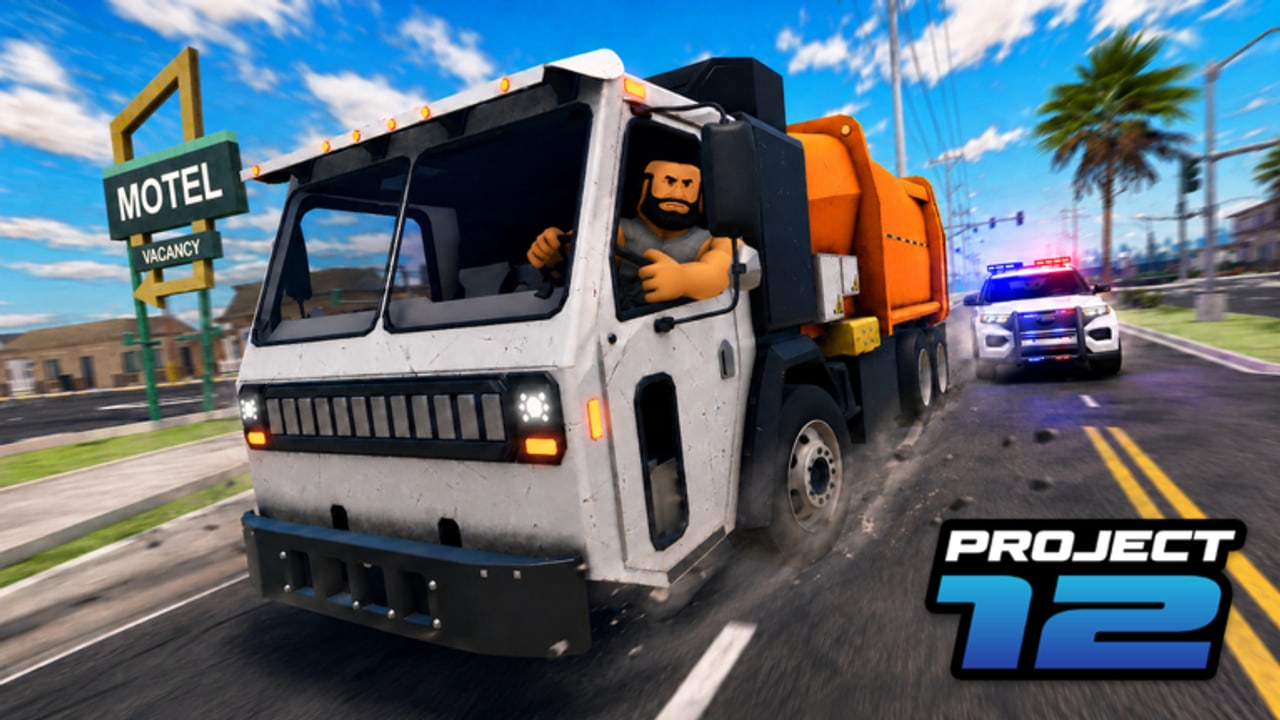
The safest way to follow Project 12 news is the official Roblox ownership graph: the place, the creator, and the Cinnamon X group. This page teaches you how to join that group without landing on impostors. Project 12 is a Roblox open-world Action / city RP by Cinnamon X (CinnamonSoftware), place ID 79966250354565, universe 9286558970, group id 1113539041. It released December 2, 2025 and runs online multiplayer. Parent hub: Links Hub. Companion channel habits: Discord & Group.
Start from the real place (always)
Bookmark and open: Project 12 on Roblox.
From that page, use Roblox’s own creator / group links. Do not start from a Google ad titled “Project 12 group robux” or a random bio link in server chat. Popularity near ~3.13M+ visits guarantees those ads exist.
Confirm you have the right group
Checklist before you press Join:
- Group name aligns with Cinnamon X (creator graph also references CinnamonSoftware)
- Group id matches 1113539041 when you inspect the URL or group page details
- The group’s experiences / owned games include Project 12 with place ID 79966250354565
- Shouts and wall posts talk about this city RP — not unrelated asset flips
- Nobody on the join path asks for your password, cookie, or “account age unlock” file
If any check fails, leave. Lookalike groups harvest members for phishing funnels.
How to join safely (step-by-step)
- Log into Roblox in the official app or website
- Open the bookmarked Project 12 place
- Follow the on-page creator or group link Roblox provides
- Read the group description and recent shouts
- Join only after ownership checks pass
- Optional: enable group notifications so milestone and patch shouts surface later
You do not need a third-party “group joiner” extension. Extensions that ask for broad Roblox permissions are a common scam vector.
What the group is good for
- Short update and milestone signals (the place may still show “2000 Likes = Update!” even though the 1000 likes milestone is already passed at roughly 2297 upVotes — see Likes Milestone and Live Status)
- Clarifying where Discord or social links are posted when the team shares them
- Confirming you are not following a fan page that stole the logo
- Favoriting social proof that helps discovery without buying fake likes
What the group is not
- Not a place to redeem promo codes inside a browser form — codes, when they exist, belong in-game; status remains none verified on Codes Hub as of late Aug 2026
- Not permission to download “group-only scripts” — Scripts Hub still found nothing trustworthy on major indexes
- Not customer support for account recovery via DMs from random “admins”
Impostor patterns aimed at Project 12 players
Watch for:
- Groups that append “Official,” “Staff,” or “Codes” but do not own the place
- Walls that only post survey links and executor ads
- Shouts promising free limiteds if you join five mirror groups
- Discord invites that never appear on the real group or place — verify with Discord & Group
- Profile comments under the place that paste clone URLs with typos in “roblox”
If a stranger in a Project 12 server says “join my group for police whitelist,” treat it as unauthorized roleplay bureaucracy at best and a phishing attempt at worst.
After you join: what to do next
- Return to play — group membership is not progress by itself
- Run Starter Checklist and Path Chooser
- Learn loops via How to Play and Getting Started
- Keep Updates Hub for patch re-check habits when shouts mention changes
- Bookmark this wiki’s Links Hub so you have an internal map back to verification pages
Group shouts versus wiki pages
Group shouts are primary for “something changed tonight.” Wiki pages are frameworks for how to play after that change. When a shout and the live UI disagree, trust the live client, then re-read Live Status verification steps. Do not invent patch notes from a vague shout alone.
Sharing the group with friends
Send friends the place URL first, then let them click through to the group. Sending only a group link invites confusion with similarly named communities. If you post in social media, include the numeric place ID so searchers can confirm.
Relationship to Discord
Some players want voice and LFG more than wall posts. That is fine — but Discord discovery should still start from ownership signals on Roblox (place or group), not from search ads. Deep habits live on Discord & Group. Keep downloads and “free code dumps” out of either space.
Cross-links
Trust: Links Hub · Discord & Group · Script Safety Status · Codes Hub
Play: Guides Hub · Players Hub · Tools Hub · Project 12 Review
Joining the real Cinnamon X group (id 1113539041) is a five-minute trust upgrade. It will not replace learning police or street loops — but it will keep your update radar pointed at the people who actually ship Project 12 on Roblox.
Frequently Asked Questions
Quick answers for Project 12 players.
What is the official Project 12 group?
Cinnamon X (related creator credit CinnamonSoftware), group id 1113539041. Always confirm it owns the real Project 12 place.
How do I avoid fake groups?
Start from the official place URL, follow Roblox’s creator/group links, and match group id 1113539041 plus place ownership.
Do I need the group to play?
No. You can play from the place page alone. The group helps with shouts and verifying community links.
Will the group give me codes?
Only if developers publish real gift strings later. As of late Aug 2026 checks, none are verified — see Codes Hub.
Where is Discord info?
Use the Discord & Group page. Prefer invites posted on the real place or group, not search ads.