How to Become Police in Project 12
Join the law loop — patrol with purpose, answer calls, chase cleanly, arrest with follow-through, climb ranks.
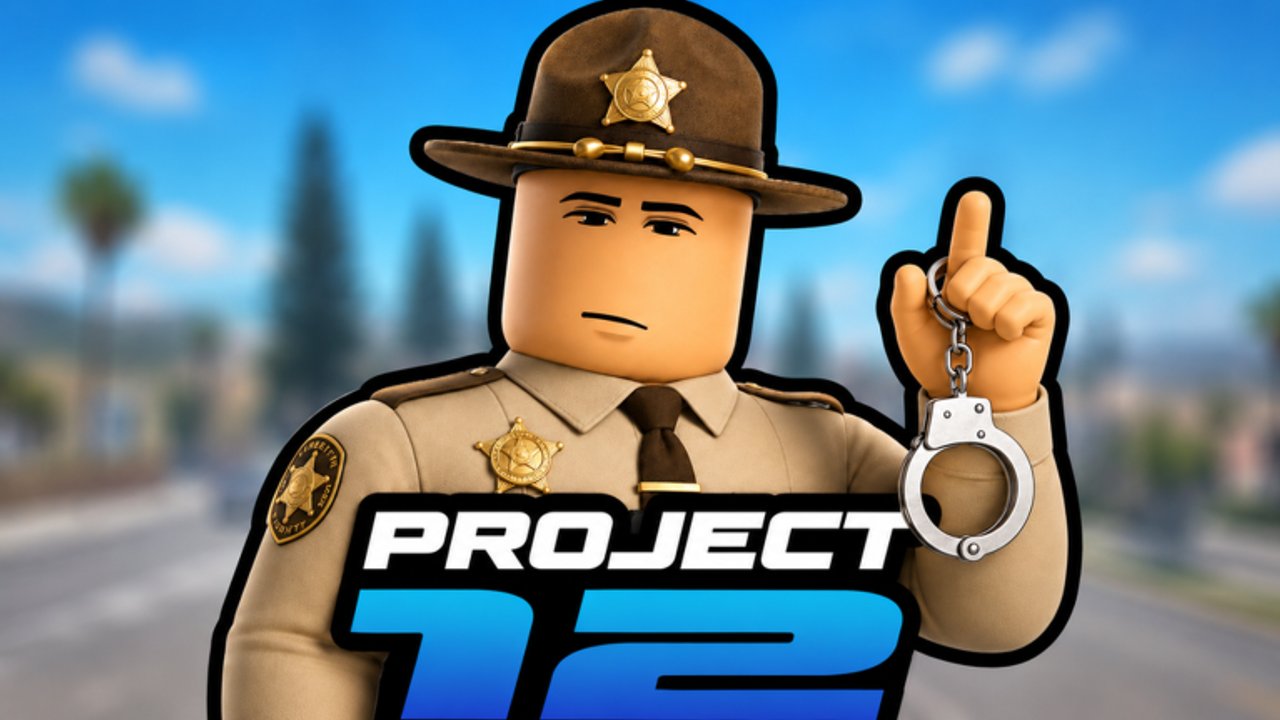
Want the badge fantasy in Project 12? This guide walks the police path: patrol, emergencies, chase, arrest, and ranks inside Cinnamon X (CinnamonSoftware)’s Roblox city RP. The experience has been live since December 2, 2025, with online multiplayer crowds. Exact clock-in buttons can move after updates — especially around the advertised “2000 Likes = Update!” milestone — so treat named UI labels as examples and trust what your client shows tonight.
Who this guide is for
Players who finished Getting Started and want structure more than street chaos. Pair with Controls, Arrests and Chases, Police Path (Players), and Police Path Tier List.
Step 0: arrive with a shift goal
Write one sentence before you claim a role:
- “I will complete two clean patrol loops and one emergency.”
- “I will practice chase camera discipline without forcing arrests.”
- “I will learn the arrest interact prompts on willing training if available.”
Goals prevent aimless cruising that feels like play but teaches nothing.
Step 1: find the onboarding path in UI
Look for department, job, team, or role selectors after spawn. Common Roblox city patterns include boards, doors, NPCs, or menu toggles. Whichever Project 12 uses today:
- Open it deliberately (vehicle stopped)
- Select the police / law role if presented
- Confirm loadout or uniform changes if the game shows them
- Note any rank text — screenshot if useful for your own notes
If you cannot find entry, ask in a verified community channel via Discord & Group habits — not random executor Discords.
Step 2: patrol like a professional, not a tourist
Patrol is presence plus scanning:
- Choose a simple rectangle anchored to landmarks from Map and Locations
- Vary speed; do not only highway blast
- Watch sidewalks and lot exits where crimes often start
- Reset mentally every loop: “What changed since last pass?”
Good patrol creates chances; it does not guarantee fireworks every minute. On quiet moments, rehearse tool prompts.
Step 3: emergencies without tunnel vision
When a call, marker, or chat alert hits:
- Mark the objective in your head (location + type)
- Drive with arrival as the goal — surviving the trip matters
- On scene, separate medical / crowd / suspect priorities based on what you actually see
- Call for backup in whatever social tools the server uses if the scene is stacked
Tunnel vision kills officers who stare at a minimap pin while ignoring the intersection in front of them.
Step 4: chase control before chase ego
Read the full craft on Arrests and Chases. Headline rules:
- Identify the correct target
- Take clean lines; avoid spectator collisions that start drama
- Break off if the chase becomes pure chaos with no arrest chance
- Remember civilians exist — your “cool clip” can ruin someone else’s job loop from Make Money
Step 5: arrest follow-through
An arrest is not the moment the sprint ends. It includes:
- Secure interact timing from Controls practice
- Moving the suspect through whatever processing the game requires
- Confirming progression credit if ranks track arrests
- Resetting to patrol without raging into the next scene
Missed follow-through is why some players “chase a lot” but never climb.
Step 6: ranks as a long game
Rank systems differ by title. Your job:
- Observe what the UI says you earned
- Prefer repeatable clean actions over one lucky spectacle
- Recheck after patches on Updates Hub
Do not buy rank myths from chat. Do not use scripts — Scripts Hub is empty for good reason.
Shift structure (45–60 minutes)
- Clock in / role select
- Ten minutes patrol warm-up
- Take emergencies as they come for twenty minutes
- One focused chase window
- Ten minutes of intentional practice (tool prompts, radio glances)
- Clock out mentally before tilt
Common new-officer mistakes
- Swapping to criminal mid-shift “just for fun” and losing learning continuity — use Civilian / Criminal on another day
- Ignoring map literacy
- Arguing codes in voice while a call waits — Codes Hub can wait; none are verified yet anyway
- Treating every speeder as a life story; prioritize scenes you can finish
Ethics and fun
Project 12 is RP-capable. Power fantasy lands better when you:
- Avoid harassment outside the game’s intended conflict
- Leave scenes that target kids with real-world abuse
- Report phishing disguised as “police whitelist tools”
Related guides
Continue with Arrests and Chases, Map and Locations, Controls, and compare economy life via Make Money. Hub home: Guides Hub.
Becoming police in Project 12 is a habit stack: show up, scan, answer, chase clean, finish the arrest, review ranks. Do that loop enough times and the city starts feeling like your beat.
Frequently Asked Questions
Quick answers for Project 12 players.
How do I unlock police?
Use the live role/job/department entry in Project 12’s UI after spawn. Labels can change — follow current prompts rather than memorized names.
What should I practice first as an officer?
Patrol scanning and arrest interact timing in low pressure, then emergencies, then chases.
Do I need codes or scripts to be police?
No. There are no verified codes required, and scripts are not recommended.
What if criminals outnumber officers?
Play for clean scenes you can finish, call for help when possible, and break off unwinnable pile-ons.
Where is rank advice?
See Police Path on Players and the Police Path Tier List for priorities; confirm rank rules in the live UI.