Project 12 Controls
Build reliable input habits for city RP — patrol calm, chase clarity, and menu access under pressure.
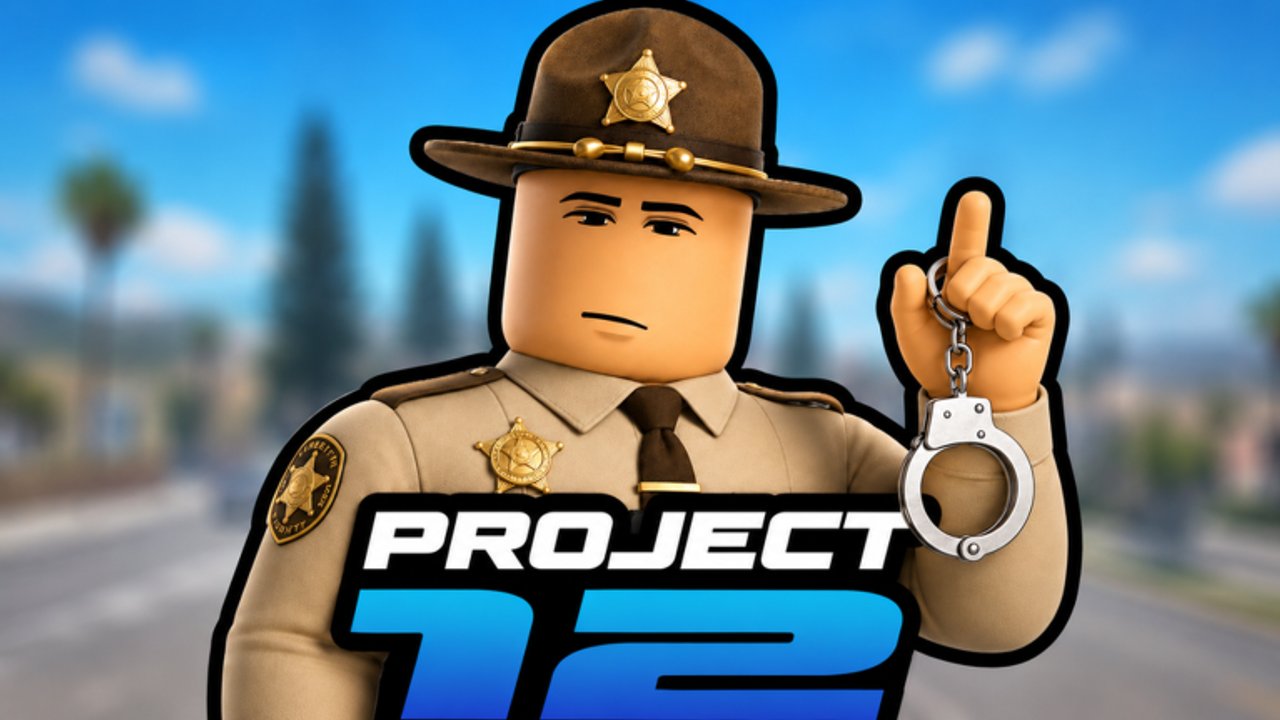
Controls guides for live Roblox titles fail when they pretend every keybind is permanent. Project 12 by Cinnamon X (CinnamonSoftware) is a December 2, 2025 open-world city RP with online multiplayer. Exact prompts can shift after updates — including community pushes around “2000 Likes = Update!”. This page teaches control habits: how to discover binds, how to practice them, and how to keep chases readable when your fingers panic.
First principle: the live prompt is law
If an on-screen prompt disagrees with a wiki sentence, obey the prompt. Then adjust your notes. That single rule prevents more deaths than any invented hotkey table.
Setup before you care about “advanced” inputs
- Use a stable FPS and camera sensitivity you can track during turns
- Disable unnecessary overlay clutter from other programs
- Know how to open Roblox’s escape menu without alt-tab disasters
- Complete the path choice mindset from Getting Started
Police and civilian players share movement literacy; they diverge on tool prompts.
Movement literacy (everyone)
Practice in a low-stakes plaza before your first serious chase or crime:
- Walk vs sprint stamina feelings (if stamina exists — verify in UI)
- Jump timing near ledges and barriers
- Camera orbit while strafing so you can glance behind during pursuits
- Enter/exit vehicle flow if the city provides driveable options — confirm with prompts, do not assume Universal Driving Physics from other games
Your goal is predictable turning, not maximum speed. Speed without camera control paints you into walls — funny once, expensive during rank attempts.
Menu access under pressure
City RP constantly tempts you to open maps, inventories, job panels, or department tools mid-scene. Build a rule:
- Soft pause: only open menus when your vehicle is stopped or you are in cover
- Hard pause: if a chase is live, finish the beat first — see Arrests and Chases
Map the physical keys you use to open the main Project 12 menu during a quiet minute. Rehearse twice. That rehearsal is more valuable than memorizing someone else’s screenshot.
Police-oriented control focus
When you follow Become Police and Police Path:
- Learn how you equip or activate arrest tools before the first takedown
- Practice approaching a stationary target, not only moving ones
- Keep one finger ready for the interact key you actually use — confusion here is the top new-officer failure
- Separate “radio/emergency UI” glances from steering inputs; glance, then drive
Prioritize control reliability over flashy pit maneuvers you have not earned. Police Path Tier List rewards officers who finish arrests, not officers who cinematic-crash.
Civilian / criminal control focus
When you follow Make Money and Civilian / Criminal:
- Job interact keys should be boringly consistent — misclicking a job start mid-street loses time
- If you commit crimes, pre-plan the sprint path to a landmark from Map and Locations
- Learn when to stop interacting with world props because police presence spiked
- Avoid inventory tourism during heat; stash decisions belong to calm moments
Chase-specific input discipline
Both sides should adopt a three-beat cadence:
- See — confirm who you are chasing or fleeing
- Steer — commit to a line for two seconds
- Check — quick camera or minimap glance if available, then back to steer
Spamming random abilities (if any appear in your build) without the cadence creates noise. Quiet inputs win more often on crowded servers (~3.13M visit popularity means busy intersections).
Controller vs keyboard
Roblox supports multiple input devices. Pick one primary device for ranked-feeling sessions. Mixing mid-chase causes menu mis-presses. If you switch devices after an update, redo a five-minute plaza drill.
After updates: rebind recon
When Updates Hub or Likes Milestone signals a drop:
- Spawn into a quiet area
- Open every relevant panel once
- Trigger each critical interact on a safe target (job board, department desk, vehicle)
- Only then join chaotic RP
What we will not invent
- A fake complete keybind table with unverified keys
- Console-only claims without evidence
- “Best sensitivity” numbers copied from shooters
- Script macros that auto-press keys — see Script Safety Status
Practice plan (15 minutes)
- Two minutes free movement
- Two minutes menu open/close while standing
- Five minutes vehicle or sprint routes around one block
- Three minutes approach-and-interact drills
- Three minutes calm chase with a willing friend or empty road visualization
Then jump into real loops on Guides Hub priorities.
Related pages
- Same category: Getting Started · Become Police · Make Money · Arrests and Chases · Map and Locations
- Tools: Starter Checklist
- Codes (later): How to Redeem — do not open redeem UI mid-chase
Mastering controls in Project 12 is less about memorizing a poster and more about refusing panic inputs. Calm fingers make better officers and smarter runners.
Frequently Asked Questions
Quick answers for Project 12 players.
Why isn’t there a full keybind list?
Live UI prompts can change. We teach discovery and practice habits so you stay accurate after updates.
Should I learn police tools before movement?
No. Movement and camera comfort first, then tool interacts in a quiet area.
I keep opening menus during chases — fix?
Adopt a hard rule: no menus until the chase beat ends. Practice menu open/close only while stopped.
Controller or keyboard?
Whichever you can keep consistent for a full session. Avoid switching mid-pursuit.
Do scripts help with controls?
We do not recommend scripts. None were verified, and executors risk your account — see the Scripts Hub.